产品经理使用 Microsoft Planner 的一天


[vc_row el_class="single-row one"][vc_column width="1/2" el_class="col-left"][vc_column_text]

上午 8 点 30 分

Diego 首先检查 我的一天 在 Planner 中快速查看他今天需要完成的所有事项。他看到经理发来的新任务,“新产品竞争力分析”,标记为紧急。要完成它,Diego 首先需要在每周员工会议结束后立即进行市场调查。Diego 补充说 新任务 to address this later.[/vc_column_text][/vc_column][vc_column width="1/2" el_class="col-right"][vc_single_image image="84076" img_size="full" alignment="right"][/vc_column][/vc_row][vc_row el_class="single-row two"][vc_column width="1/2" el_class="col-left"][vc_single_image image="84077" img_size="full"][/vc_column][vc_column width="1/2" el_class="col-right"][vc_column_text]

上午 9:30

会议结束后,Diego 检查了 我的任务 在 Planner 中查看本周截止的其他任务。

他开始 标记的电子邮件。Planner 已经为这些任务创建了任务,因此 Diego 知道要优先考虑哪些任务。接下来,他选择 分配给我 to see all his tasks from across Planner plans, Microsoft Teams, and Microsoft Loop in one view. He sees a task that a coworker assigned to him. His coworker is adding him to a Sprint Planning workstream for the new product.[/vc_column_text][/vc_column][/vc_row][vc_row el_class="single-row three"][vc_column width="1/2" el_class="col-left"][vc_column_text]

上午 10:30

规划器显示另一个团队正在领导 Sprint 规划,并且该规划已在进行中。他已被添加为关键贡献者。

Diego 在他的 我的计划 视图,他可以在其中查看目标、时间线和状态等详细信息。通过选择 时间线 查看,* Diego 可以直观地看到显示的任务和时间线。

为了了解他的贡献如何融入 Sprint 规划,Diego 检查了 任务依赖关系.* He wants to ensure he’s not blocking anyone from completing their work.[/vc_column_text][/vc_column][vc_column width="1/2" el_class="col-right"][vc_single_image image="84078" img_size="full" alignment="right"][/vc_column][/vc_row][vc_row el_class="single-row four"][vc_column width="1/2" el_class="col-left"][vc_single_image image="84079" img_size="full"][/vc_column][vc_column width="1/2" el_class="col-right"][vc_column_text]

1:00 PM

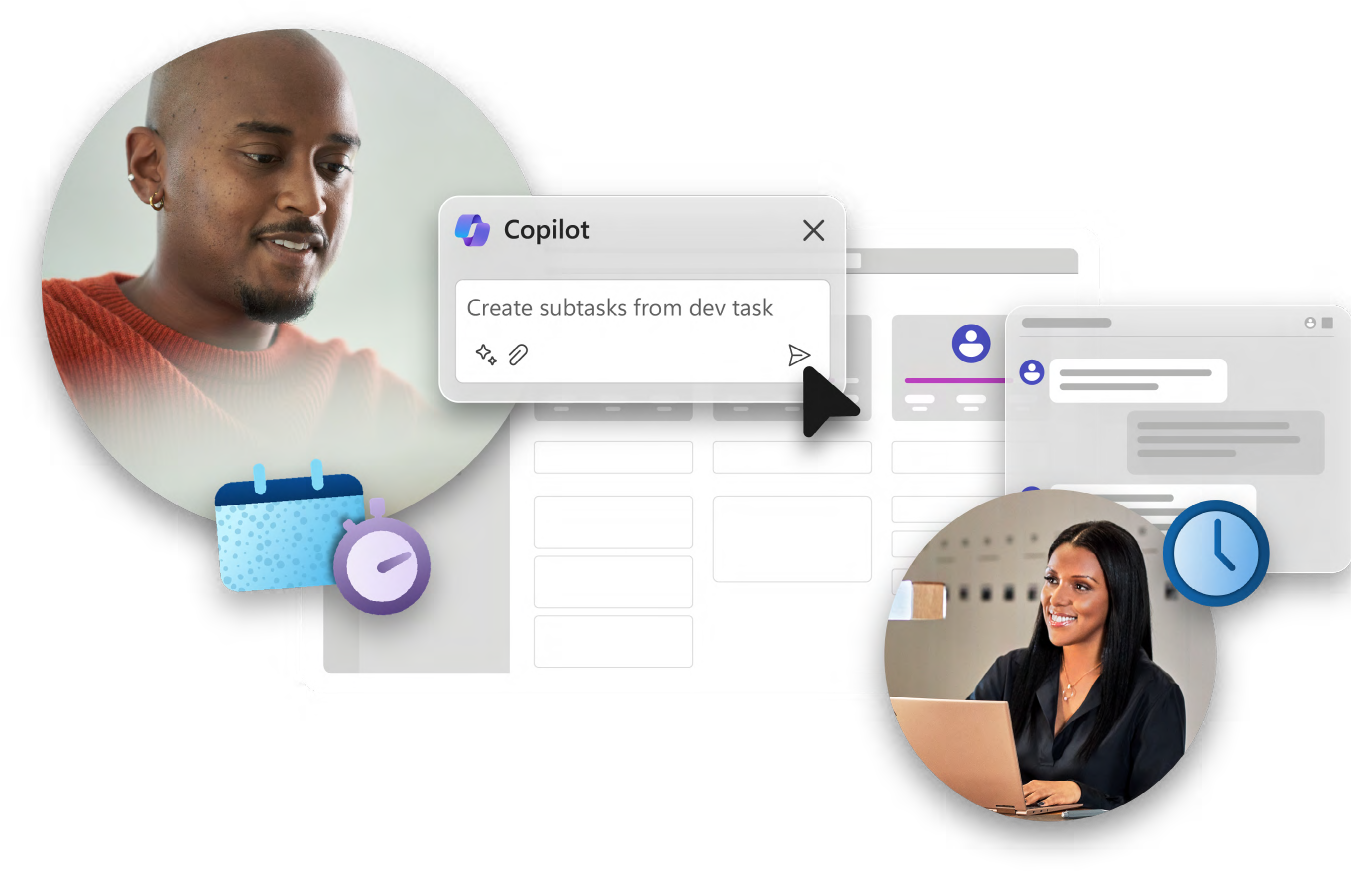
Diego 问道 规划师中的 Copilot* 帮助他将分配的任务分解为更小的、易于操作的步骤。

在审查 Copilot 建议的 子任务Diego 注意到,人们依赖于跨时区的团队的工作。他选择了 人们 view to see the other tasks assigned across the team. Diego notices that his coworker from a previous initiative, Adele, has a related task on the project and she’s only an hour ahead. He messages her using the task’s Teams channel chat to ask his question.[/vc_column_text][/vc_column][/vc_row][vc_row el_class="single-row five"][vc_column width="1/2" el_class="col-left"][vc_column_text]

下午 1 点 45 分

After chatting with Adele, Diego realizes he needs to dedicate two hours of his day tomorrow to the project. He blocks time on his calendar to focus on the deliverable without distractions.[/vc_column_text][vc_empty_space height="50px"][vc_column_text]

下午3:00

Diego 的团队也正在将一款现有产品从市场上撤下。 我的计划,他选择“产品弃用计划”,然后选择 木板 查看其团队负责的所有任务。

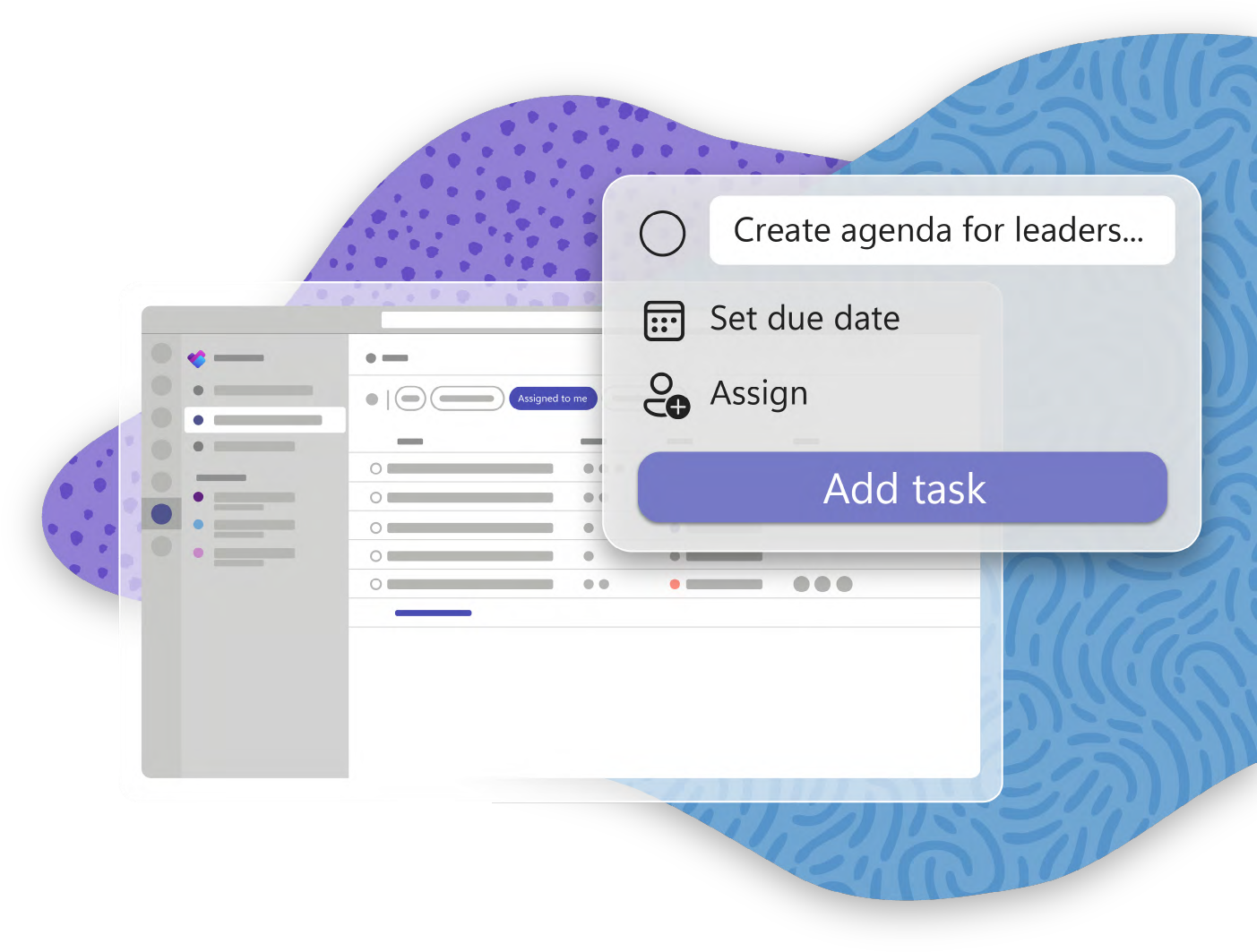
为了直观地跟踪任务,Diego 先前创建了 存储桶 产品弃用流程的每个阶段。他 添加任务 to the “Executing” bucket, so he’ll remember to conduct a team orientation.[/vc_column_text][/vc_column][vc_column width="1/2" el_class="col-right"][vc_single_image image="84063" img_size="full" alignment="right"][/vc_column][/vc_row][vc_row el_class="single-row six"][vc_column width="1/2" el_class="col-left"][vc_single_image image="84080" img_size="full"][/vc_column][vc_column width="1/2" el_class="col-right"][vc_column_text]

下午 4:30

迭戈完成了今天早上开始的市场调研,因此他为他的经理完成了分析报告。

回家之前,Diego 选择了 我的任务 最后再检查一遍,确认自己已经完成了所有需要做的事情。迭戈结束通话,对今天的进展感到非常满意。